sjjpf.comHome NavigationNavigation
Home >  News >  Path of Exile 2 Console: Loot Filter Guide

Path of Exile 2 Console: Loot Filter Guide

Author : Jacob Update:Mar 13,2025

Quick Links

Loot filters are invaluable in Path of Exile 2, especially as the item drops increase. They declutter your screen, highlighting important items for smoother looting. Managing items on console with a controller can be cumbersome, but thankfully, PlayStation and Xbox players can use loot filters too. This guide simplifies the process.

How to Link Path of Exile 2 and Console Accounts

To use loot filters on consoles, you must link your console account to your Path of Exile account via the Path of Exile 1 website:

  1. Log in to the Path of Exile website.
  2. Click your account name (top-left).
  3. Click "Manage Account" (right-side, below your profile).
  4. Under "Secondary Login," click "Connect" for Sony (PS) or Microsoft (Xbox).

After clicking "Connect," log in with your PlayStation or Xbox account. Follow the on-screen instructions to link your accounts.

Finding and Using Loot Filters

With linked accounts, return to your website profile and click the "Item Filters" button (right-side). Click the "Item Filter Ladder" hyperlink. This opens a new tab with available filters.

Select "PoE 2" from the drop-down menu above the filter list. Choose your preferred filter and click "Follow." New players might find NeverSink's semi-strict or regular filters helpful.

Finally, in-game, navigate to the Options menu, then the Game tab. Select your followed filter from the "Item Filter" drop-down menu at the top and click "Save." Your chosen filter will now modify item labels, colors, and/or sound effects.

Latest Articles
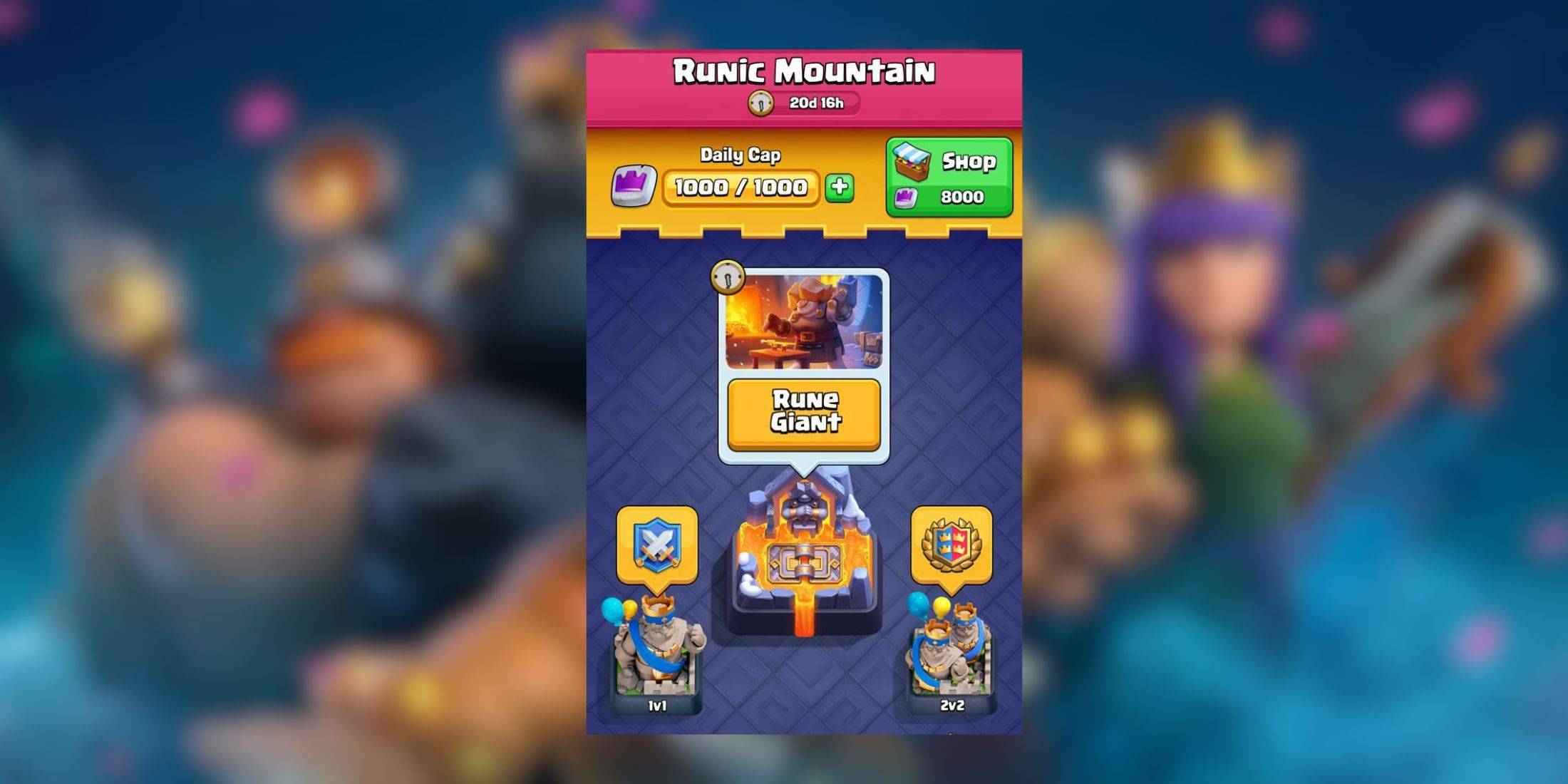
  • Rune Giant Event: Top Clash Royale Decks

    ​ Gear up for more intense battles as Clash Royale introduces its latest event: Rune Giant. Starting on January 13, this event will run for seven days as usual.As the name suggests, the Rune Giant takes center stage in this event, so you'll want to bui

    Author : Benjamin View All

  • Max Slashes Annual Plan Price for The Last of Us Season 2

    ​ The second season of The Last of Us is fully underway (episode two just aired), making now the perfect time to subscribe to Max. If you've been looking for the right moment to explore its extensive library, this limited-time discount on annual plans

    Author : Chloe View All

  • GeoGuessr Exits Saudi Esports World Cup Amid Criticism

    ​ GeoGuessr has withdrawn from the Esports World Cup following intense criticism from players and map creators regarding Saudi Arabia's controversial human rights record. The location-based game developer faced backlash for participating in the Riyadh-

    Author : Brooklyn View All

Topics
Best News & Magazines Apps for iPhone
Best News & Magazines Apps for iPhoneTOP

Stay informed with the best news and magazine apps for iPhone! This curated collection features top-rated apps like Al Hadath, De Telegraaf nieuws-app, POLITICO, Turkish Kutsal Kitap, Local News - Latest & Smart, Tamil Kadhaigal - Stories, Devotees NS Undoer of Knots, FOX LOCAL: Live News, WKBW 7 News Buffalo, and NBC4 Columbus, offering diverse news sources and perspectives. Find your perfect app for breaking news, in-depth analysis, and local updates, all on your iPhone. Download now and stay connected!