 Home
Home  Navigation



 Application Description
Complete testing, diagnostic tools, and detailed information about your hardware and operating system.
Monitor your hardware in real-time and access comprehensive details about your device model, CPU, GPU, memory, battery, camera, storage, network, sensors, and operating system. DevCheck presents all the critical information about your hardware and OS in a clear, accurate, and neatly organized layout.
DevCheck delivers the most in-depth CPU and System-on-a-Chip (SOC) details available. View specifications for Bluetooth, GPU, RAM, storage, and all other hardware components in your phone or tablet. Get detailed insights about your Wi-Fi and mobile networks, including comprehensive dual SIM information. Access real-time sensor data. Learn about your phone's operating system and architecture. Full root support is included, allowing rooted users to uncover even more system-level information.
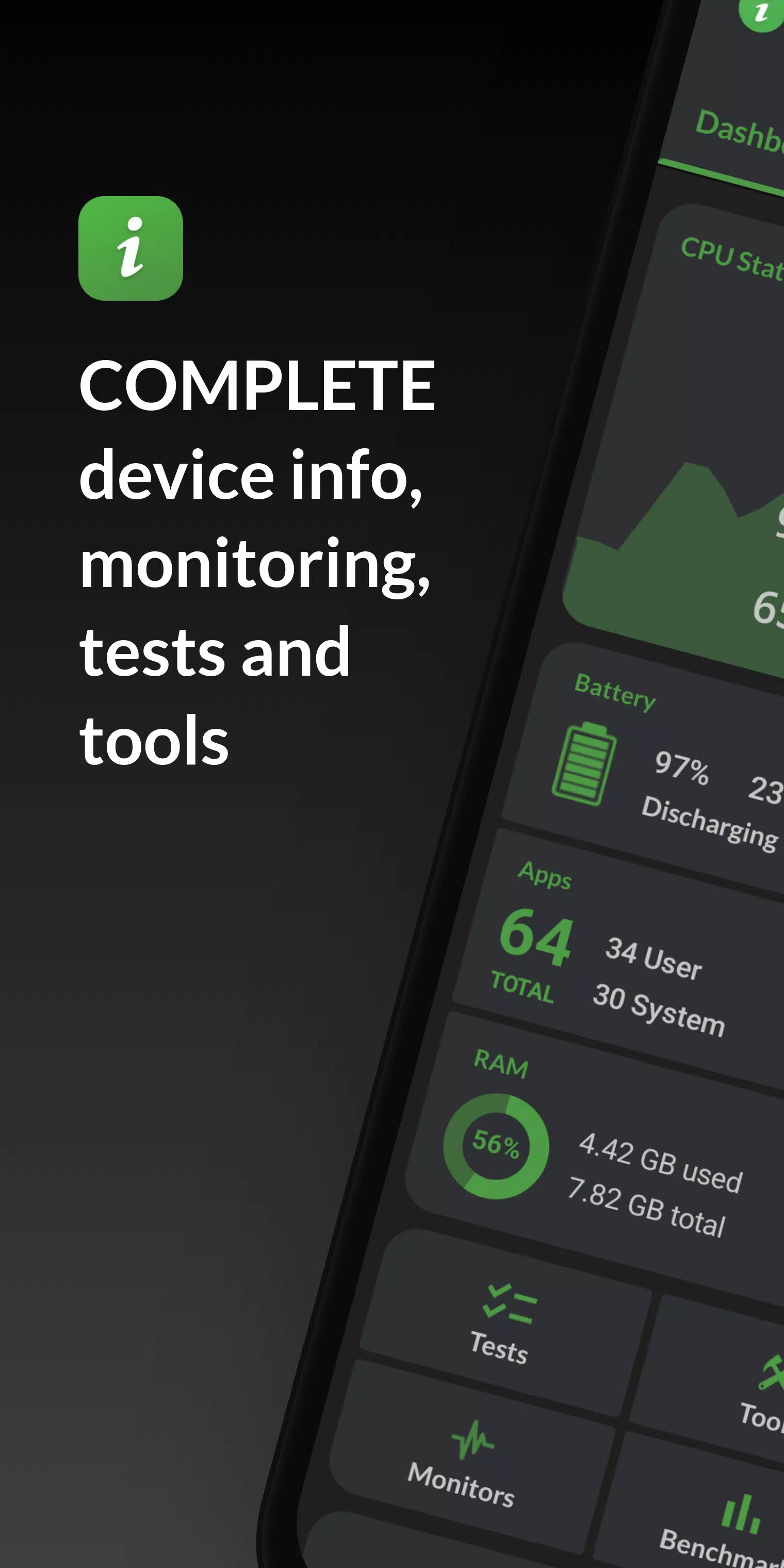
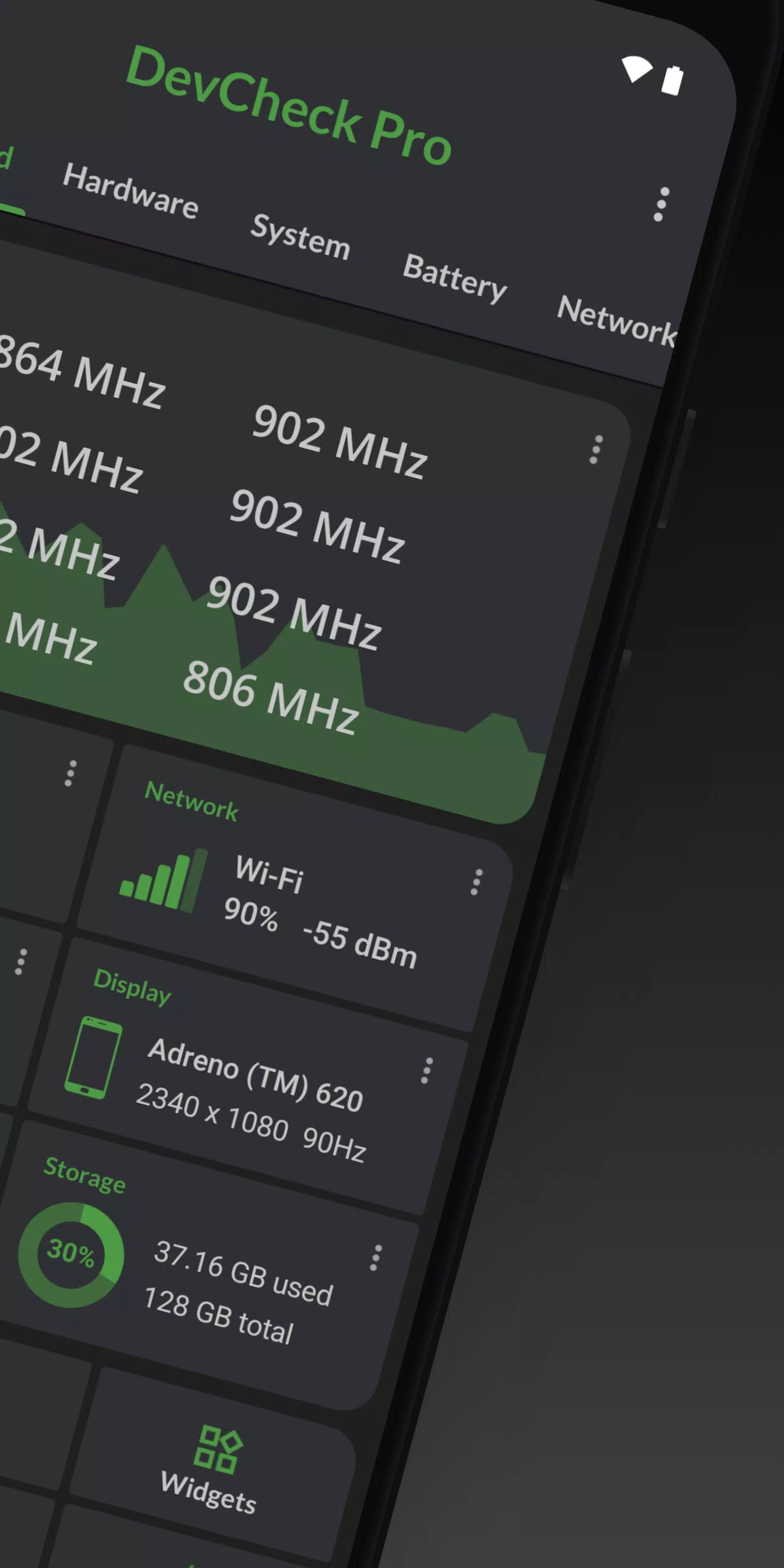
Dashboard: a complete overview of vital device and hardware information, featuring real-time monitoring of CPU frequencies, memory usage, battery statistics, deep sleep, and uptime. Includes summaries and quick shortcuts to system settings.
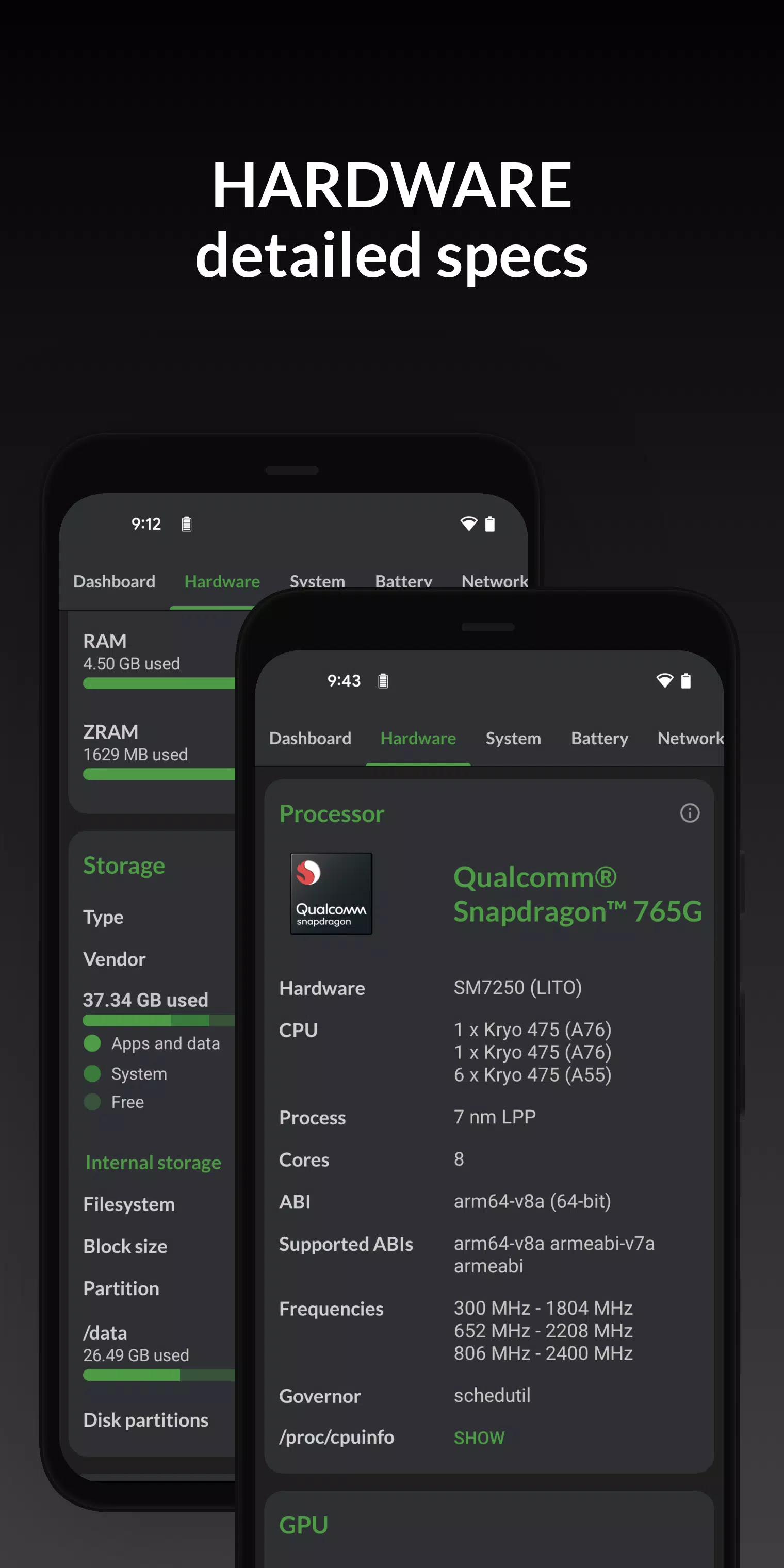
Hardware: shows exhaustive details about your SOC, CPU, GPU, memory, storage, Bluetooth, and other hardware, including chip names, manufacturers, architecture, core configurations, manufacturing process, frequencies, governor, storage capacity, input devices, and display specifications.
System: discover everything about your device, including its codename, brand, manufacturer, bootloader, radio, Android version, security patch level, and kernel. DevCheck can also verify root access, busybox, KNOX status, and other software and operating system details.
Battery: real-time information about your battery's status, temperature, level, technology, health, voltage, current, power draw, and capacity. With the Pro version, access detailed battery usage statistics for screen-on and screen-off time using the Battery Monitor service.
Network: displays detailed information about your Wi-Fi and mobile/cellular connections, including IP addresses (IPv4 and IPv6), connection data, network operator, phone number, network type, public IP, and more. Offers the most complete dual SIM information available.
Apps: detailed information and management for all your installed applications. The 'Running Apps' section lists apps and services currently active on your device, showing their current memory usage. Note: On Android Nougat (7.0) and later, precise memory usage data is only available on rooted devices.
DevCheck presents advanced camera specifications, including aperture, focal length, ISO range, RAW support, 35mm equivalents, sensor resolution (megapixels), crop factor, field of view, focus modes, flash modes, JPEG quality, image formats, available face detection modes, and more.
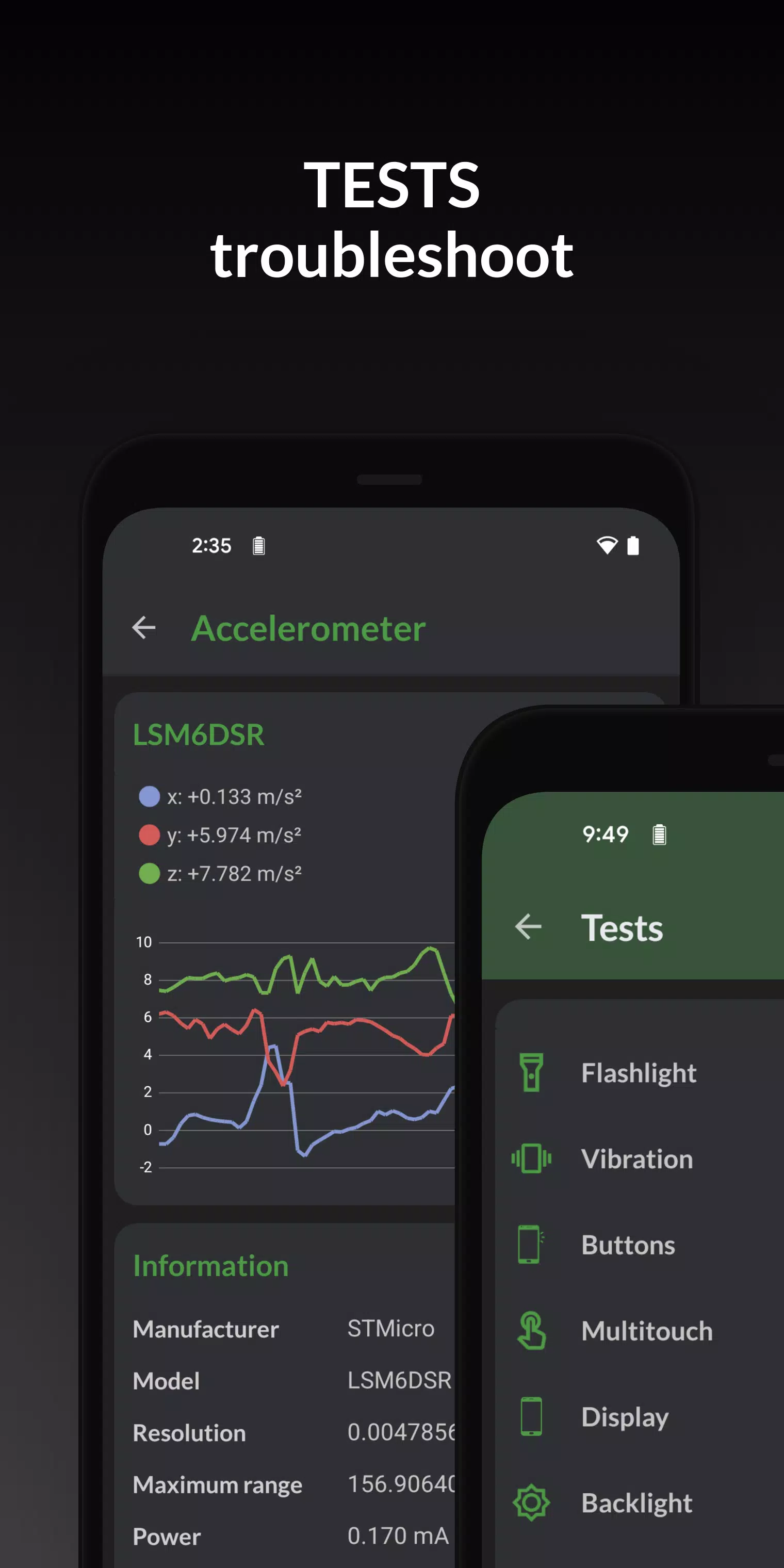
Sensors: a complete list of all sensors in your device, including type, manufacturer, power consumption, and resolution. View real-time graphical data for the accelerometer, step detector, gyroscope, proximity sensor, light sensor, and others.
Tests: flashlight, vibrator, physical buttons, multitouch, display, backlight, charging status, speakers, headset, earpiece, microphone, and biometric scanners (the final six tests require the PRO version).
Tools: root checker, Bluetooth scanner, SafetyNet attestation, Permissions explorer, Wi-Fi scanner, GPS location, and USB accessories viewer (Permissions, SafetyNet, Wi-Fi, GPS, and USB tools require PRO).
PRO VERSION is available through an in-app purchase.
The Pro version unlocks all tests and tools, benchmarking features, the battery monitor, customizable widgets, and floating monitors.
DevCheck Pro offers several modern widgets to choose from. Display battery level, RAM usage, storage status, and other key stats directly on your home screen!
Floating monitors are customizable, movable, always-on-top transparent windows that let you monitor CPU frequencies, temperatures, battery health, network activity, and more in real time while using other applications.
The Pro version also allows you to select from different color themes and schemes.
PERMISSIONS
DevCheck requires several permissions to display detailed information about your device. No personal information is ever collected or shared. Your privacy is always respected. DevCheck is completely ad-free.
What's New in the Latest Version 5.32
Last updated on Oct 2, 2024
5.22/5.23/5.30/5.32:
- Added support for new devices and hardware.
- General bug fixes and performance optimizations.
- Updated application translations.
5.20:
- Fixed language selection issues.
- Corrected installer type identification for apps.
Previously:
- Enhanced Ethernet, sensor, and battery information reporting.
- Added support for devices with multiple displays.
- Introduced the new CPU Analysis tool.
- Improved battery information accuracy.
- Probed GPU memory size for Adreno GPUs.
- Probed core count, L2 cache size, and architecture for Mali GPUs.
- Added Widgets (PRO version).
- Added Permissions explorer tool (PRO version).
Screenshot
 Reviews
Post Comments
Apps like DevCheck
Reviews
Post Comments
Apps like DevCheck
-
 Audio Video Noise Reducer V2Download
3.0.0 / 138.18M
-
 Pakistan VPN_Get Pakistan IPDownload
2.1.1 / 6.00M
-
 RB SUPER PLUS VPNDownload
1.0 / 3.91M
-
 Kivo VPNDownload
1.1.0 / 50.80M
Latest Articles
-

Summoners War: Rush may appear straightforward at first, but it hides a complex RPG that rewards thoughtful choices. Whether you're playing offline in Stage mode or strategizing your monster setup in Sky Island Defense, each system offers opportuniti
Author : Sophia View All
-

Interactive booths and a stamp rallyCosplay photos and guest influencersA Bunny Plushie up for grabs via lucky drawInitially announced three weeks ago, Arknights: Endfield's adventures within Anime Expo 2025 offered plenty of ways for fans to get a s
Author : Ethan View All
-

- A fresh Stamp Rally will take place in Nagasaki as part of the festivitiesThe Shiny Unown K variant is set to appear for the first timeTrainers can now select from distinct Special Research storylinesPokémon Go’s next big event, Wild Area 2025, is
Author : Ellie View All
Topics

Stay informed with the best news and magazine apps for iPhone! This curated collection features top-rated apps like Al Hadath, De Telegraaf nieuws-app, POLITICO, Turkish Kutsal Kitap, Local News - Latest & Smart, Tamil Kadhaigal - Stories, Devotees NS Undoer of Knots, FOX LOCAL: Live News, WKBW 7 News Buffalo, and NBC4 Columbus, offering diverse news sources and perspectives. Find your perfect app for breaking news, in-depth analysis, and local updates, all on your iPhone. Download now and stay connected!






 Latest Apps



 Trending apps




 Top News
![Roblox Forsaken Characters Tier List [UPDATED] (2025)](https://img.sjjpf.com/uploads/18/17380116246797f3e8a8a39.jpg)
- How To Use the Great Sword in Monster Hunter Wilds: All Moves and Combos Mar 26,2025
- Assassin's Creed: Shadows' Combat & Progression Revealed Mar 13,2025
- Top Android Warhammer Games: 2023 Update Apr 08,2025
- Como buscar e filtrar criaturas no inventário do Pokémon GO Mar 18,2025
- Battlefield Fans Are Digging the Leaks, and EA Hasn't Taken Them Down Yet Mar 14,2025
- Capcom Spotlight Feb 2025: Monster Hunter Wilds, Onimusha Unveiled Mar 27,2025
- How To Get the Shane Gillis & Sketch Cards in EA Sports College Football 25 Apr 10,2025
- GWENT: The Witcher Card Game – Top 5 Best Decks & How to Use Them (Updated 2025) Feb 26,2025
