Home
Home  Navigation


Troubleshooting Call of Duty: Warzone Connectivity Problems
Call of Duty: Warzone, with its vast player base and diverse content, occasionally experiences server connectivity issues. This guide outlines how to check server status and troubleshoot common connection problems.
Checking Warzone Server Status
Several reliable methods exist to determine if Warzone servers are down:
-
Activision Support Online Services Status: Visit Activision's Support Online website. This platform provides real-time updates on server status for all Call of Duty games, including Warzone. It will indicate any ongoing issues, maintenance, or localized problems.
-
COD Updates Account: Monitor the official Call of Duty Updates Twitter/X account. This account offers timely updates on issues, errors, scheduled maintenance, and more. It's a key source for information during server outages or maintenance periods.

Are Call of Duty: Warzone Servers Currently Down?
As of January 13, 2025, Call of Duty: Warzone servers are operational. A minor post-patch issue briefly impacted matchmaking, causing prolonged wait times or preventing access to certain game modes. However, developers swiftly addressed this, restoring normal service.
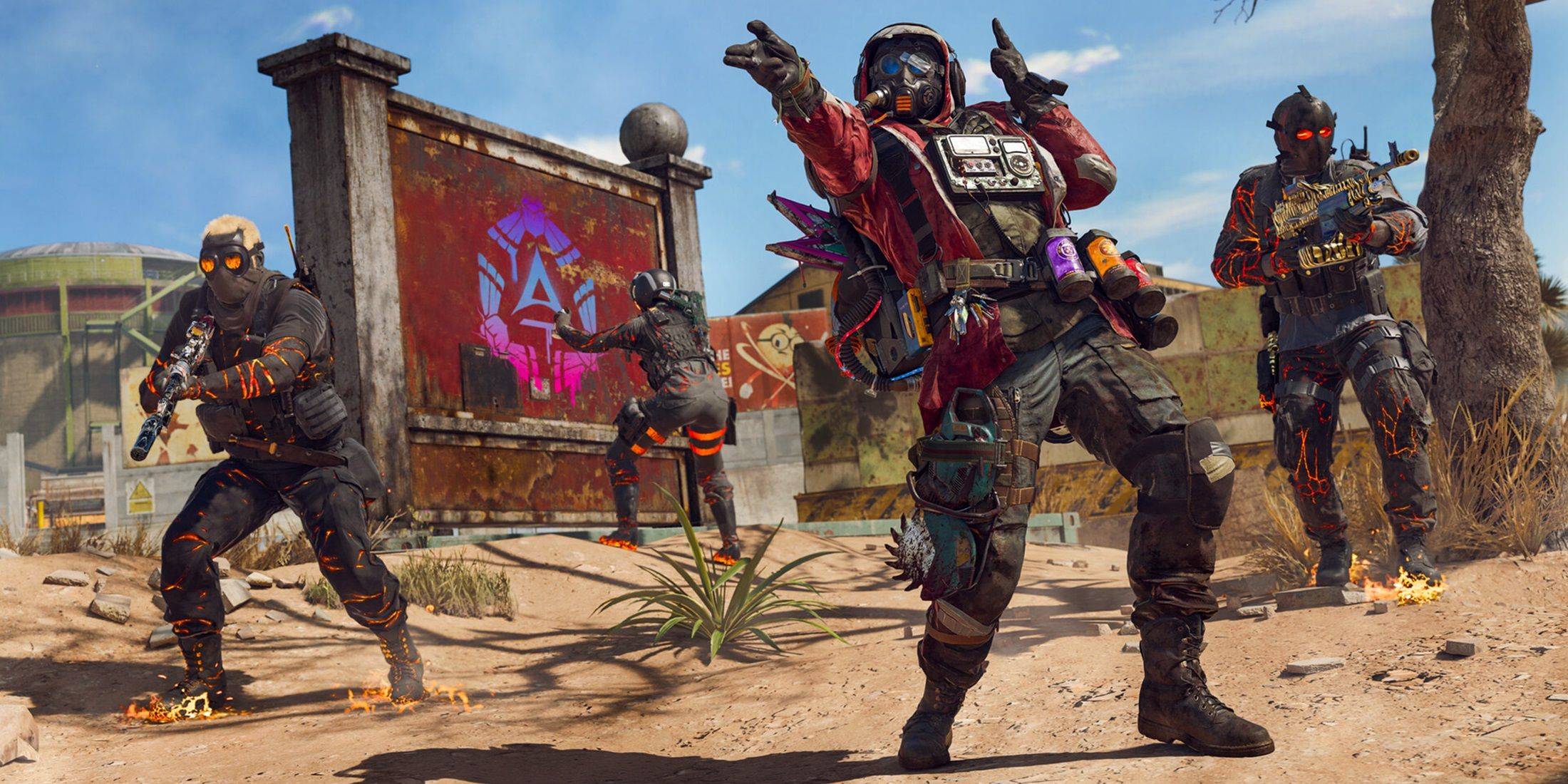
Resolving Warzone Connectivity Issues
If you encounter connectivity problems, try these troubleshooting steps:
-
Check for Updates: Ensure your game is up-to-date. Check for updates within the Call of Duty app on your platform.
-
Restart Warzone: Close and relaunch the game to resolve minor glitches, especially after updates or playlist changes.
-
Check Your Router Connection: Verify your router or modem is functioning correctly. A hard reset might be necessary to address connectivity problems.
-
Test Your Network Connection: Test your internet connection (Wi-Fi or Ethernet) to identify any interruptions.
-
Swap Connection Methods: If using Wi-Fi, try Ethernet; conversely, if using Ethernet, try Wi-Fi. A wired connection is generally more stable.
 Latest Articles









 Latest Games
![[王国]SLOT魔法少女まどか☆マギカ2](https://img.sjjpf.com/uploads/34/17306699406727ed74966a9.webp)