Home
Home  Navigation


Ready or Not, despite its name, isn't a children's game. This intense single and multiplayer SWAT FPS delivers realistic action, but occasionally throws a wrench in the works with technical issues. One common problem is the "Serialization Error Action Needed" message, often accompanied by "Corrupt data found, please verify your installation." This Unreal Engine error usually has a few straightforward fixes.
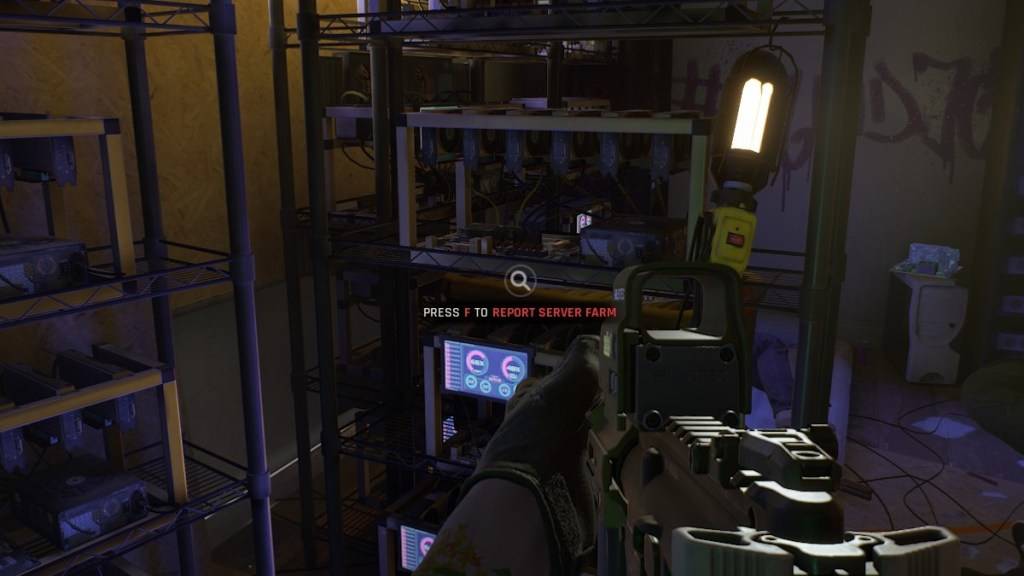
How to Fix the "Serialization Error Action Needed" in Ready or Not
1. Verify Game Files
The game itself suggests the first step: verify your installation. Ensure Steam isn't in offline mode. Follow these steps:
- Open your Steam Library.
- Right-click Ready or Not and select Properties.
- Click "Local Files," then "Verify Integrity of Game Files."
Steam will scan for missing or corrupted files and automatically redownload them. Try launching Ready or Not again. If the problem persists, move on to the next step.
2. Remove Mods
Outdated or incompatible mods, especially those not updated for Unreal Engine 5, are a frequent culprit. To remove mods:
- Open your Steam Library and locate Ready or Not.
- Left-click "Manage," then "Browse Local Files."
- Navigate to
ReadyorNot\Content\Paks. - Delete the
mod.iofolder.
This will resolve the error, but you'll lose your mods temporarily. Proceed to the next step to reinstall compatible ones.
3. Reinstall Mods (Selectively)
Reinstall your mods one by one, checking their update dates. Visit Nexus Mods, Mod.io, or your preferred modding site. Only reinstall mods updated after July 2024 (when Ready or Not transitioned to UE5). Install a mod, test the game, and repeat. If the error returns after installing a specific mod, that mod is incompatible.
4. Reinstall Ready or Not (Last Resort)
If all else fails, a clean reinstall of Ready or Not might be necessary. This is a more drastic measure, but it can resolve underlying issues. While less likely, hard drive corruption could also be a factor.
Ready or Not is available now for PC.
 Latest Articles









 Latest Games